
Step-by-step guide to building an accessible.
Building an accessible website helps more people access your site and improves your Google rankings.An accessible website means making sure your website can be used by everyone, including people with disabilities.
10 Steps to building an accessible website.
Use a website builder that’s easy to use:
If you are just starting building an accessible website, it is best to use an easy website builder like Wix, Squarespace, or WordPress.
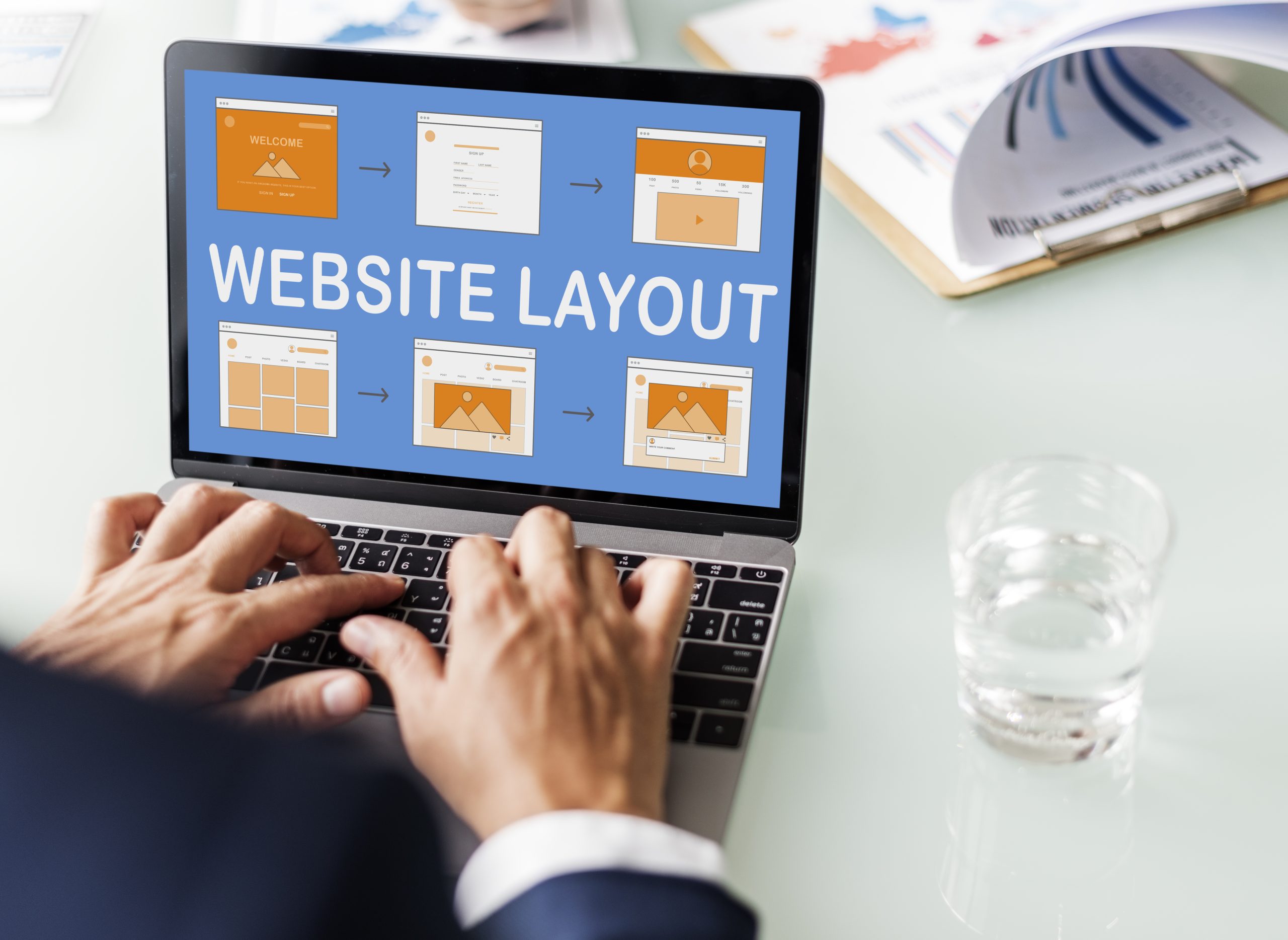
Choose a template with accessibility in mind
Pick a template that is already accessible. Look for templates that mention they are WCAG-compliant or accessible. These templates typically have good color contrast and simple designs, making your job easier.
Keep your text easy to read:
When building an accessible website make use of clear fonts like Arial or Verdana. Avoid fancy fonts that are hard to read, keep text size large enough. Easy to understand, keep sentences short and to the point.
Add descriptions for images (alt text): Alt text is a short description of an image. It is used to help people who can’t see the image understand what the image is about. How to add it: When you upload an image, add a simple description to the image, e.g., “a boy playing football.”

Keep navigation simple and easy menus:
When building an accessible website make it easy for people to find their way around your website. By keeping your menus clear and simple, avoid overwhelming people with too many choices.
Search bar or sticky menus:
Consider adding a search bar or a menu that stays at the top as people scroll, this helps users find what they are looking for quickly.
Make sure it looks good on phones:
Website builders automatically make your site mobile-friendly, but always make sure that you check it on a phone to confirm it looks good and works properly.

Test your website for accessibility tools
Use tools like WAVE Tool or Axe Accessibility Checker to check your website for common accessibility issues. These tools show you what’s missing or what can be improved. Manual checks: Try using your website with just a keyboard. Can you access everything easily? This helps ensure your site is navigable by all users.
Keep your content simple—use clear, concise text:
When building an accessible website avoid long paragraphs and break your content into smaller chunks. Add headings (like “What is accessibility?”) so that users can easily skim through and find what they need.
- Keep improving—accessibility isn’t something you do once and forget about: Keep learning, and as you building your accessible website, keep adding features to make it more inclusive; add captions or transcripts for videos. Ensure buttons and links are easy to find and ask for feedback from users with disabilities to help you improve.
 Chat with an Agent